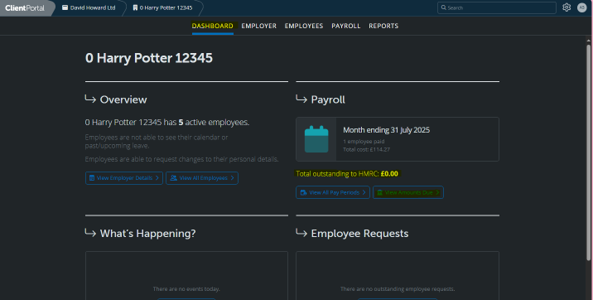
1. Login to Brightpay Cloud: https://client.brightpay.com/ 2. On the Dashboard click – View Amounts Due under Total Outstanding to HMRC
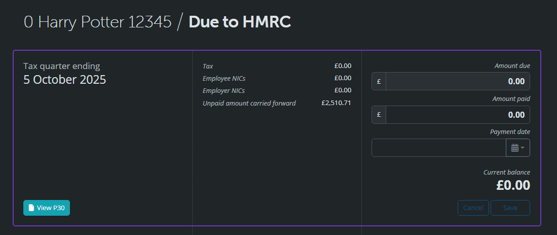
3. Here you can see an overview of the amount owed each quarter – please do not make any payments until payment details appear under the Tax Quarter Ending heading.
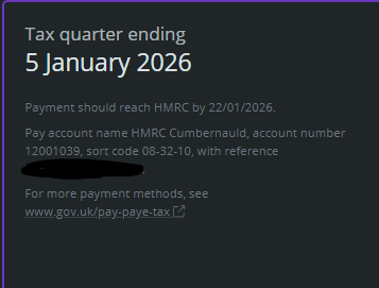
These are the details you are waiting for – if these do not appear, your references have not been issued yet so payment cannot be made.
4. Using Your Accounts Office Reference Number as the Payment Reference, you can then make a bank transfer to HMRC of the amount owed.
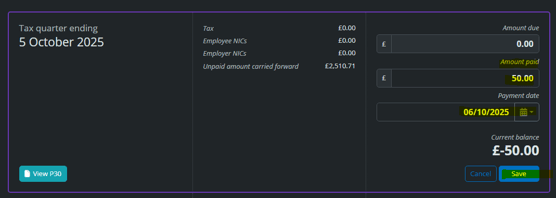
5. Once the Payment has been made, you can update Brightpay Cloud with the amount paid and the date of payment to keep track and ensure nothing is missed